Quick Answer
A website is your business's home on the internet. There are two main kinds for beginners: simple websites (built with tools like Wix or Squarespace, ~$16-50/month, ready in days) and custom websites (built by a developer, $3,000-$15,000+ to start, ready in 2-12 weeks). Start simple if you're new. Go custom when you grow. Today, about 83% of small businesses have a website, and 31% of shoppers say they've skipped a small business just because it didn't have one.
What Is a Website?
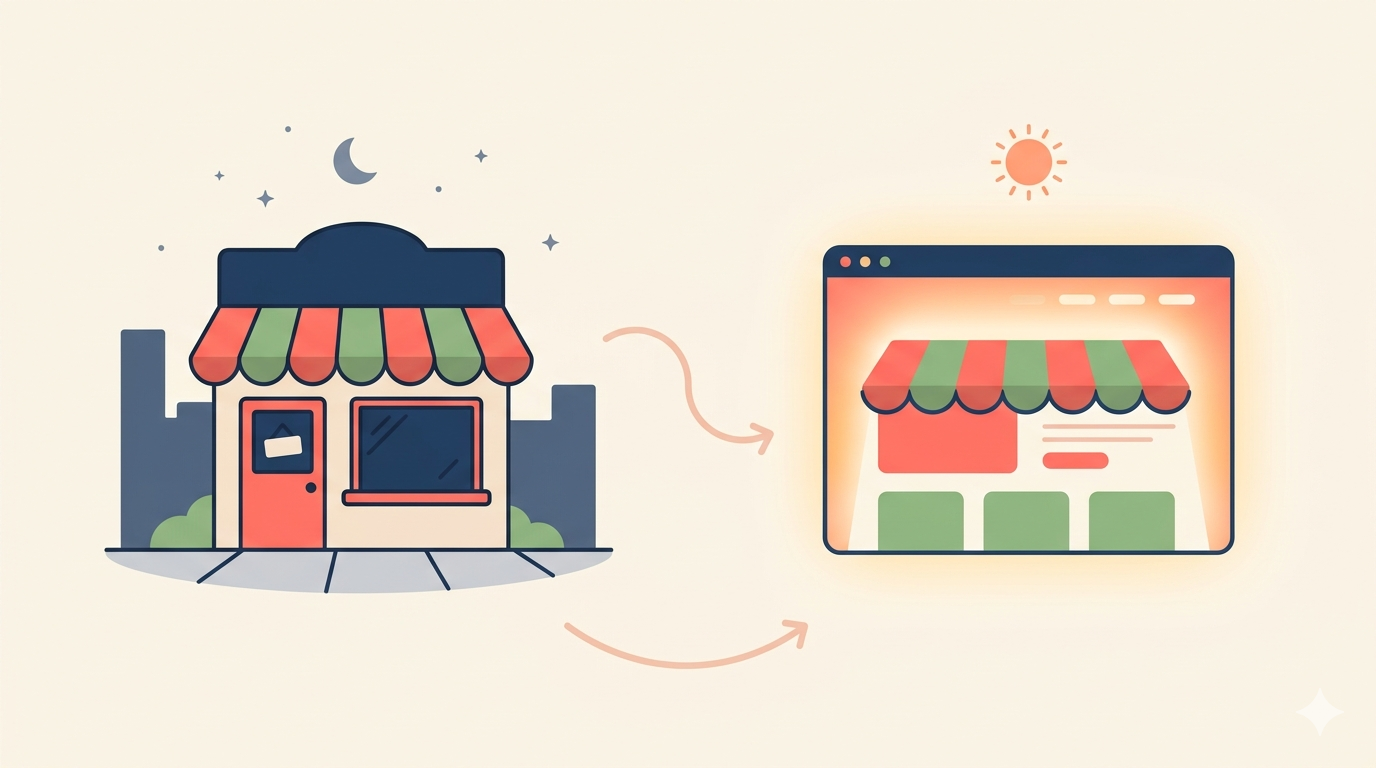
A website is a group of pages on the internet that people can visit. Think of it like a storefront that never closes. Your shop on Main Street is open from 9 to 5. Your website is open every minute of every day.
People find a website by typing its name into a browser like Chrome or Safari, by clicking a link in Google, or by tapping it on social media. Once they get there, they can read about you, see your pictures, contact you, or buy something.
Why does a website matter?
Because most people look you up before they spend a dollar. Surveys suggest around 81% of consumers research a business online before they use it, and 97% of people read online reviews before choosing a local business. If you have no website, you are invisible to most of those people.
A website does four big things for your business:
- Shows you exist. People trust businesses they can find online.
- Answers questions. Hours, prices, services, and address all in one place.
- Takes action. A visitor can book, buy, call, or message you.
- Brings new customers. Google and other search engines send people to your site every day.
Not having one is costly. Clutch's 2025 study found that businesses without a website rely mostly on referrals, which only go so far. A website lets you reach people who have never heard of you.
How Do Websites Actually Work?
A website lives on a special computer called a server. A server is just a regular computer that's always on and always connected to the internet. When you type a web address, your phone or laptop sends a message to that server. The server sends back the pages, pictures, and text. Your browser puts it all on the screen.
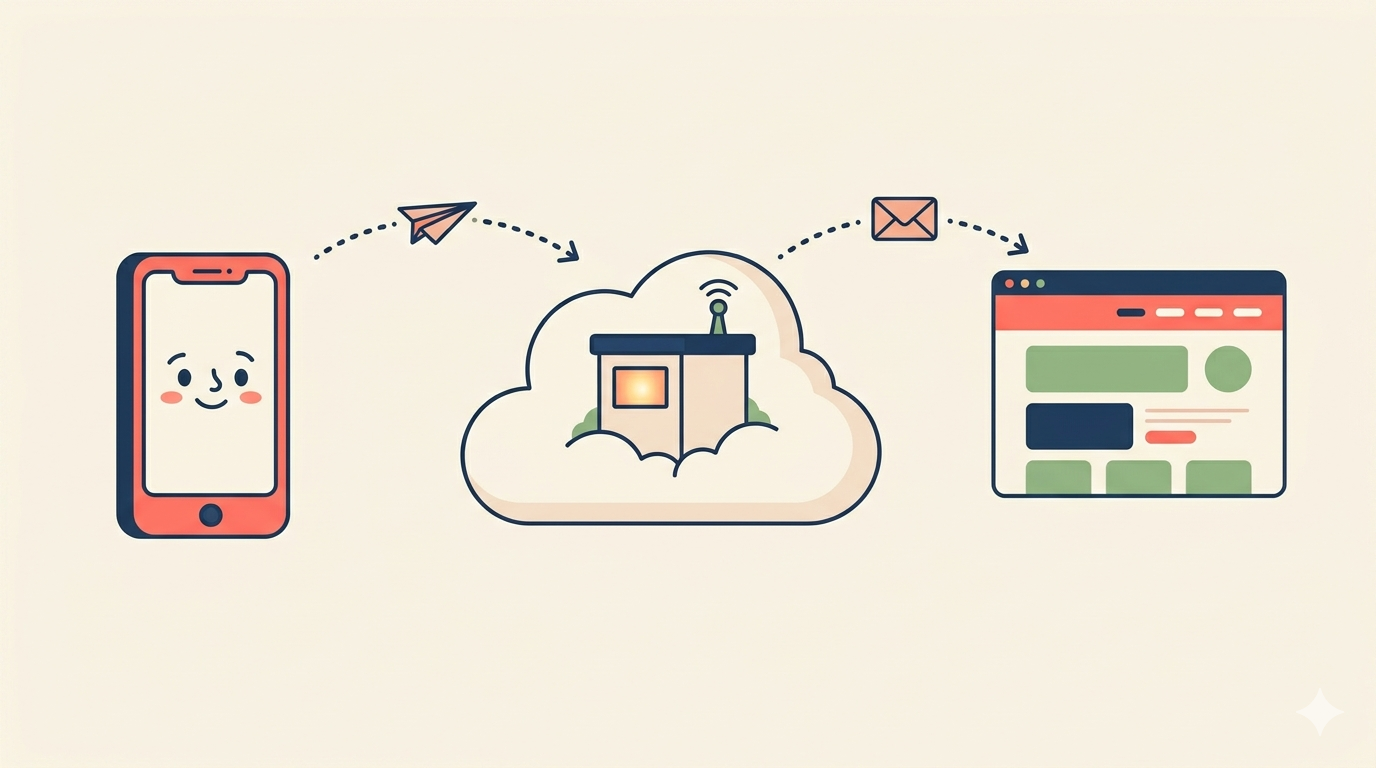
Here's the simple version, step by step:
- You buy a name. This is called a domain (like yourbusiness.com). It costs about $10-20 a year.
- You rent space on a server. This is called hosting. It costs about $5-30 a month for small sites. With most simple website builders, hosting is already included.
- You build the pages. This is the part where you add text, photos, and buttons.
- You connect the name to the pages. Now when someone types your domain, they see your site.
What goes on a website?
Most small business websites have these basic parts:
- A home page that tells people who you are.
- An about page that shares your story.
- A services or products page that shows what you sell.
- A contact page with your phone, email, and address.
- Sometimes a blog for tips and news.
One thing to know: most people will see your website on a phone, not a computer. Mobile devices now make up around 60% of all global web traffic, according to StatCounter. So your site has to look good on a small screen. (Good news: most modern tools do this for you.)
The Two Main Types of Websites for Beginners
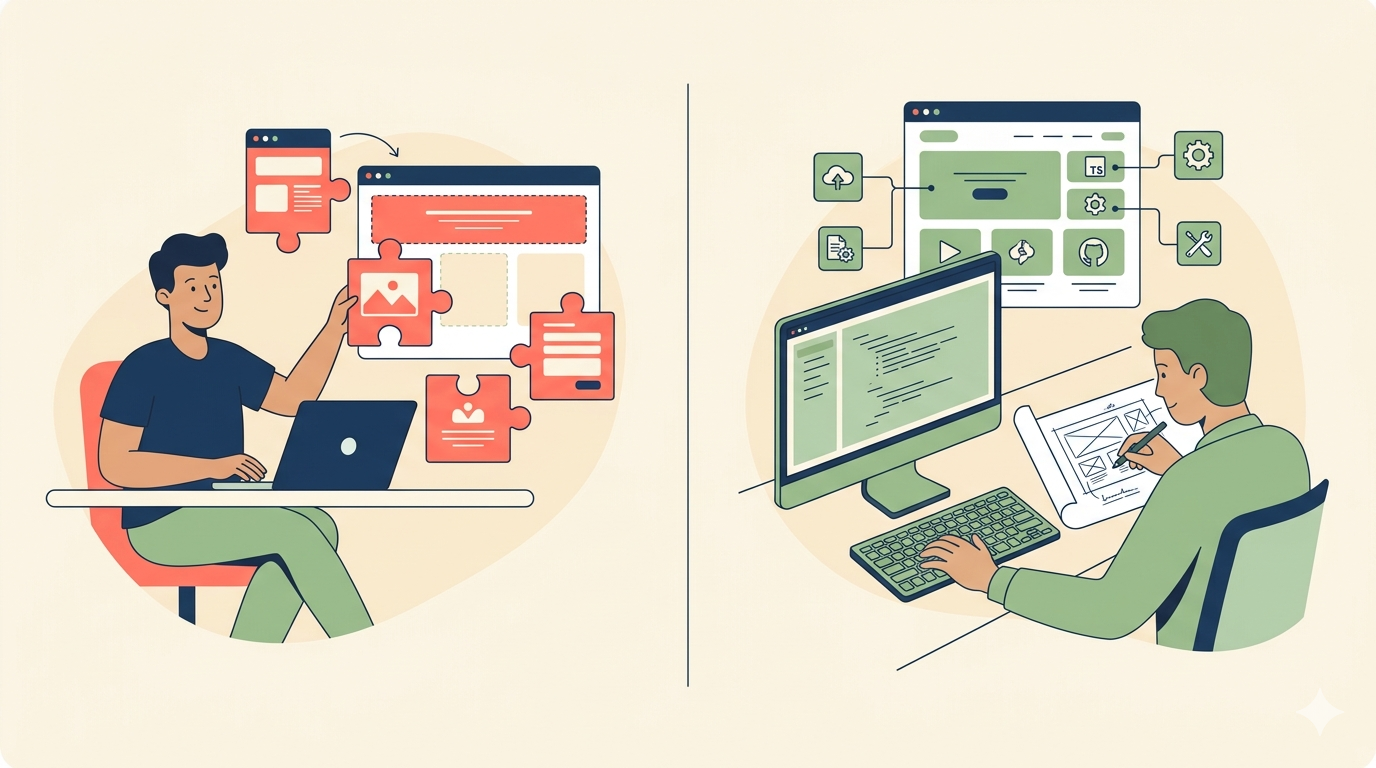
There are two paths to getting a website. One is fast and cheap. The other is slower but more powerful. Most beginners pick the first. Most growing businesses end up needing the second.
Type 1: Simple Website (Wix, Squarespace, WordPress.com)
A simple website is one you build using a ready-made tool. The big names are Wix, Squarespace, and WordPress.com. They give you templates (pre-built designs) that you fill in with your own words and pictures.
How it works: You sign up, pick a template, change the colors and text to match your business, add your photos, and publish. Many small business owners can get a basic site live in a weekend.
What you can do:
- Add pictures, videos, and text
- Write about your business
- Sell products and take card payments
- Take bookings or appointments
- Get found on Google
- Add a simple contact form
What's hard or impossible to do:
- Build features that don't exist in the templates
- Connect deeply to other business software
- Handle unusual workflows (like custom quoting tools)
- Move all your content to a different platform later
Real cost: Squarespace plans start at $16 per month. Wix plans start at $17 per month, with a free option that has ads. Most small businesses end up on a $25-50/month plan once they add features like email, online payments, or booking tools. Plan to spend $200-$600 a year all-in.
Timeline: Days to a couple of weeks.
Good fit for:
- A dedicated entrepreneur who is ready to learn a new platform and design their own pages
- Someone prepared to spend the time writing their own content and handling regular updates
- A business owner who is comfortable working within template limits and troubleshooting when things break
Bad fit for:
- A growing online store with 500+ products
- A business that needs to connect its website to a custom inventory system
Type 2: Custom Website (Built by a Developer)
A custom website is one a developer builds just for you. There are no templates. The developer writes the code so the site does exactly what your business needs.
How it works: You meet with a developer or agency. You explain your goals. They design the site, build it, test it, and launch it. Then they hand you a way to update the content yourself (or they keep updating it for you).
What you can do:
- Build any feature you can imagine
- Connect to almost any other tool (accounting, shipping, inventory, CRM)
- Match your brand perfectly, with no template limits
- Add advanced features like member logins, custom calculators, or live data
- Scale to thousands of pages or products
What you give up:
- Speed (it takes weeks, not days)
- Low upfront cost
- Easy DIY changes (though good developers make this part simple)
Real cost: Industry surveys put the average small business website at $1,500 to $10,000 upfront, with most professional sites landing around $3,000-$8,000. Online stores typically cost more. Agency pricing guides put a full custom e-commerce build at $8,000 to $15,000 or higher. After launch, you'll spend $50-$500 a month on hosting, updates, and care plans.
Timeline: 2 to 12 weeks, depending on size.
Good fit for:
- A growing e-commerce store
- A service business that needs unusual booking or pricing tools
- A business that wants to look different from every other site in its industry
Bad fit for:
- Someone who just wants a one-page online presence
- A brand-new business that hasn't figured out its services yet
Quick Comparison Table
| Feature | Simple Website | Custom Website |
|---|---|---|
| Speed to launch | Days to 2 weeks | 2-12 weeks |
| Upfront cost | $0-$200 | $3,000-$15,000+ |
| Monthly cost | $16-$50 | $50-$500 |
| Customization | Limited to templates | Unlimited |
| Integrations | Some, through apps | Almost any |
| Technical skill needed | None (you do it) | None (developer does it) |
| Best for | Starting out | Scaling up |
How Does Your Choice Affect SEO and AI Visibility?
This is the part most beginners skip. Then six months later, they wonder why nobody can find their website.
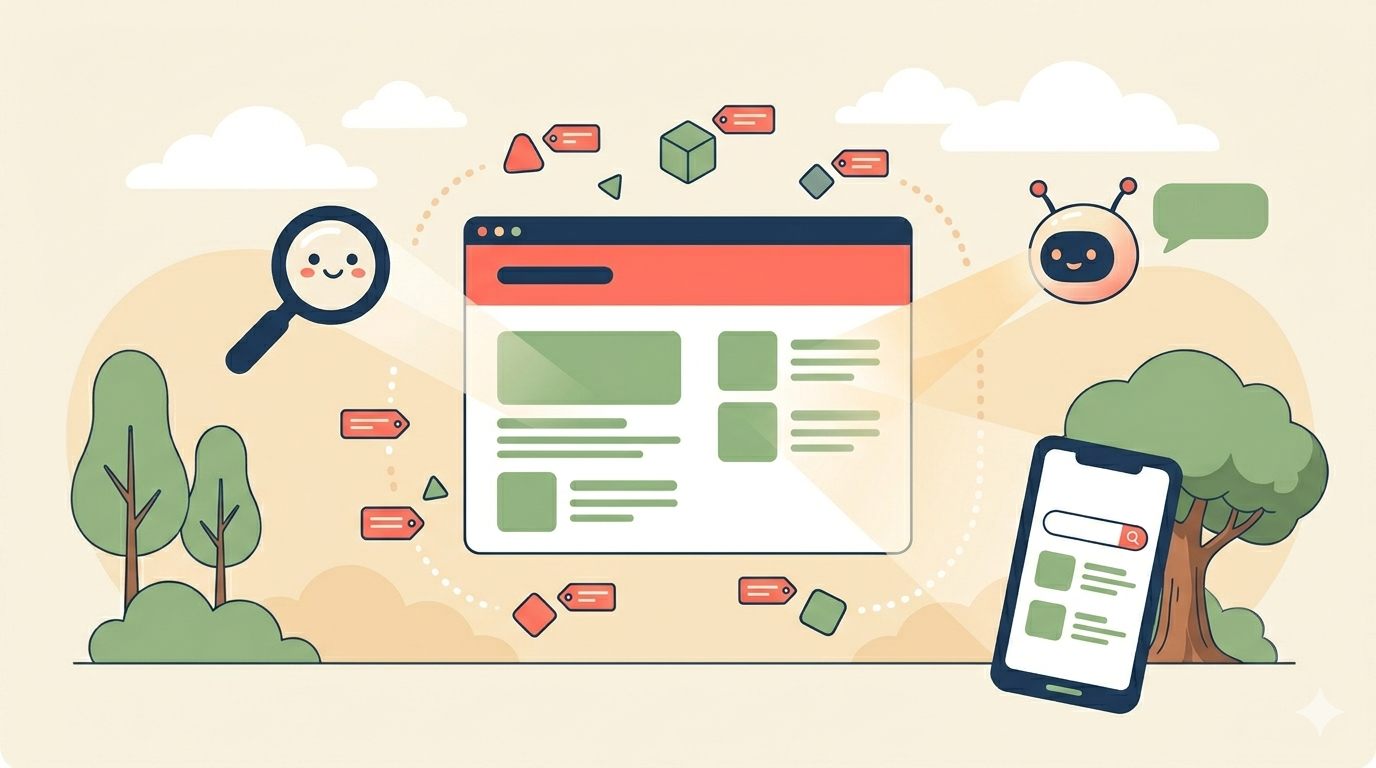
Your website type affects three things that matter for getting found online:
- How fast your pages load (Google cares a lot)
- How clean and structured your code is (Google AND AI tools care)
- What signals you can send to search engines (the advanced stuff)
Page Speed: How Fast Your Site Loads
Page speed is one of Google's confirmed ranking factors. The faster your site, the higher it can rank, and the more visitors stay long enough to become customers.
The numbers are clear:
- Pages on page 1 of Google load in about 1.65 seconds on average.
- When load time goes from 1 to 3 seconds, bounce rate jumps 32%.
- Each extra second of load time drops conversions by about 4.42%.
- Google has officially confirmed that page speed and Core Web Vitals are ranking signals through its Page Experience update.
Simple websites have improved a lot. According to the 2025 HTTP Archive Web Almanac, Wix passes Core Web Vitals on 74% of mobile sites. Squarespace passes on 70%. That is solid. But there are limits. You cannot control the hosting, the caching, or the code that runs on every page. The platform ships the same setup to every site, which makes some pages heavier than they need to be. A typical Wix page transfers about 3.5 MB of data. A well-built custom site using modern tools can transfer under 1 MB.
Custom websites start with no platform bloat. A developer can pick the hosting, write only the code your site needs, fine-tune image delivery, and shave off unnecessary scripts. The ceiling is much higher. The top 10 e-commerce sites in the U.S. load in about 1.96 seconds on average, and almost all of them are custom builds.
Schema Markup and AI Search Visibility (The New Frontier)
In 2025 and 2026, getting found online means more than just Google. People also ask ChatGPT, Perplexity, Claude, and Google's AI Overviews. These tools pull answers from websites and decide which ones to cite as the source.
What helps them choose your site? Schema markup. Schema is hidden code that tells search engines and AI tools what your page is about (a product, a recipe, a how-to guide, an FAQ, a local business, and so on).
In 2025, the major AI platforms went on the record about this:
- In April 2025, Google's Search team publicly stated that structured data "gives an advantage in search results", including for AI Overviews.
- In March 2025, Microsoft's Bing team confirmed that schema markup helps its language models understand content for Copilot.
- Later in 2025, ChatGPT confirmed it uses structured data to determine which products appear in its results.
In plain English: schema is now confirmed infrastructure for being seen in AI search, not a guess. The honest caveat: no peer-reviewed studies have measured exactly how much schema boosts AI citations, so anyone selling you a specific percentage is guessing. What we do know is that only about 12% of websites use structured data today, which means adding it is still a real competitive edge.
Simple websites include basic schema by default. Wix has improved here, with better schema tools and a Semrush integration. Squarespace is more rigid and limits what schema you can customize.
Custom websites let you mark up anything. Your developer can add Article, FAQ, How-To, Product, Local Business, Organization, and other schema types exactly where they help. You can stack multiple schema types on one page. You can update them as Google and the AI tools change their rules.
What About Mobile?
Google judges your site based on the mobile version, not the desktop one. This is called mobile-first indexing. About 60% of global web traffic now comes from mobile devices.
Both simple and custom sites can do mobile well. The difference is depth. Simple builders use responsive templates that scale to phone screens automatically. Custom builds let you design every detail of the mobile experience, including how images load, how menus open, and how forms behave on a small screen.
Quick SEO and Visibility Comparison
| SEO Factor | Simple Website | Custom Website |
|---|---|---|
| Core Web Vitals pass rate | 70 to 74% (median) | 95%+ when built well |
| Typical page weight | 2.5 to 3.5 MB | Often under 1 MB |
| Schema markup control | Limited to platform defaults | Full control over every type |
| Custom tracking and integrations | Basic, through apps | Any tool you want |
| Technical SEO ceiling | Capped by the platform | No real limit |
The Bottom Line on Visibility
Both website types can rank on Google. Both can be cited by AI tools. The question is how high and how often.
A simple website that follows best practices will perform fine for most local businesses with light competition. A custom website that is built well will outperform almost any template, especially as your content grows and your industry gets more crowded. If getting found online is critical to your business, that gap matters every single day.
How Websites Grow With Your Business
Your website should match where your business is, not where it was, and not where you hope to be in five years. Here's how that looks at each stage.
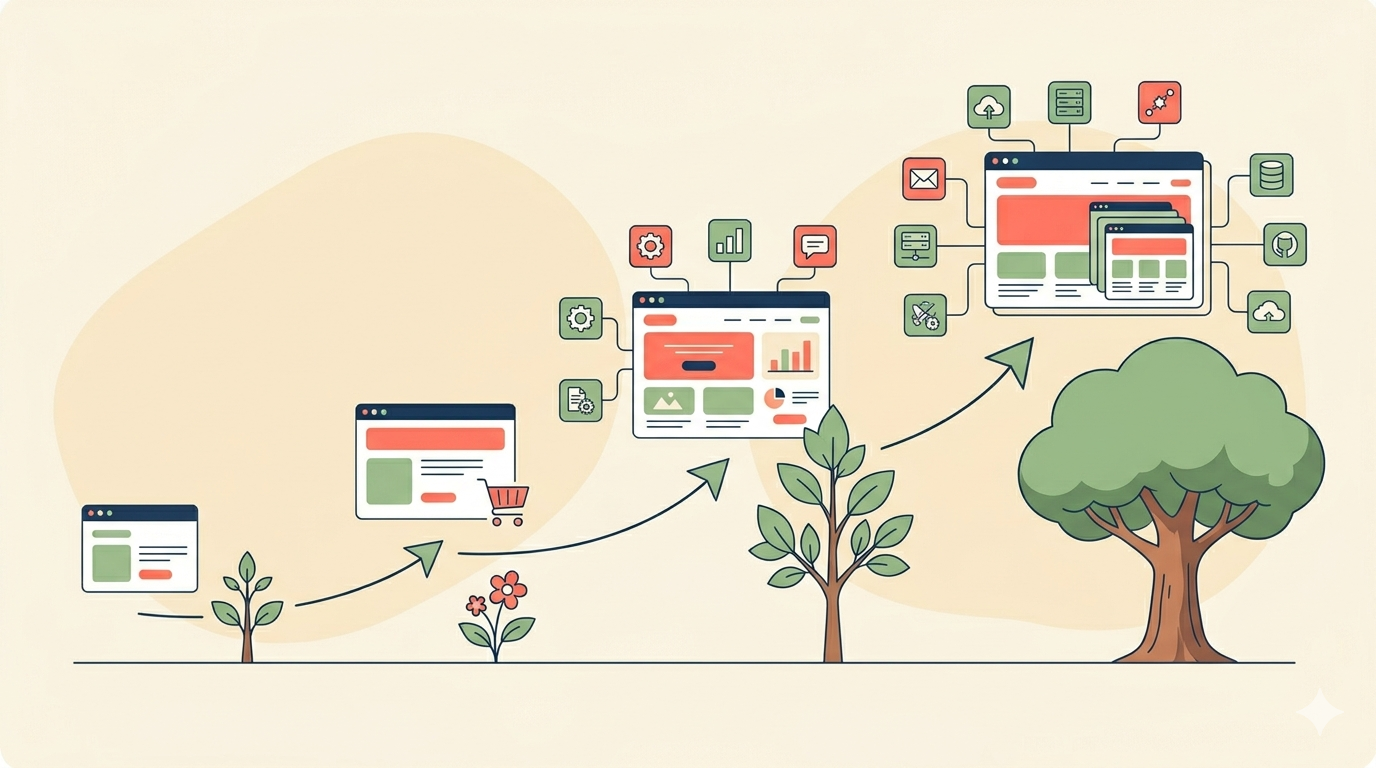
Stage 1: Just Starting Out
You're new. You have a few products or services. You mostly need people to know you exist and how to reach you.
- What you need: A basic online presence.
- Right type: Simple website is perfect.
- Example: A new freelance photographer with a portfolio, an "about me" page, and a contact form.
Stage 2: Getting Traction
Word is spreading. You're getting more inquiries. The phone rings more often, and answering all those emails is starting to eat your time.
- What's changing: More customers, more questions, more bookings.
- New needs: Maybe an online payment button. Maybe a booking calendar.
- Right type: Simple website still works. You'll add apps to your Wix or Squarespace site.
- Example: A massage therapist so busy she needs an online booking system so people can book themselves.
Stage 3: Scaling
You're growing fast. You have more products, more staff, and more moving parts. Your business uses tools (like accounting software, email marketing, or inventory systems) that all need to talk to each other.
- What's changing: Operations are getting complex.
- New needs: Real connections between your website and other tools. Custom workflows.
- Right type: A custom website starts making sense.
- Example: An online clothing store that needs its website to connect to its inventory, shipping carrier, and accounting software all at once.
Stage 4: Advanced Growth
You're running a real operation. You have hundreds or thousands of products, multiple locations, or a team that needs special tools.
- What's changing: Everything is complex: products, customers, staff, marketing.
- New needs: Custom features, ongoing development, professional support.
- Right type: Custom website with a long-term developer or agency relationship.
- Example: A growing e-commerce business with 1,000+ products, a wholesale portal for stores that resell their products, and a loyalty program.
5 Common Beginner Mistakes (And How to Avoid Them)
Mistake 1: Thinking websites are optional
Reality: Customers expect you to have one. A 2024 Adobe Express survey found that 31% of U.S. shoppers chose not to shop at a small business simply because it didn't have a website. Almost one in three. That's a lot of lost sales.
Mistake 2: Choosing based only on price
Reality: The cheapest option upfront often costs more later. A $5/month plan with no support, slow page loads, and ads on your site can drive customers away. And switching website builders later is painful: you usually can't simply move your content from one platform to another. Pay a little more for something solid.
Mistake 3: Building too complex when you're just starting
Reality: Big, fancy websites take months. While you're building, your competitors are getting customers. A simple site that's live in a week beats a perfect site that's still being built. You can always upgrade later.
Mistake 4: Not thinking about growth
Reality: The setup that works for 10 customers a month may break with 1,000. Before you choose, ask: "Will this still work for me in two years?" If the answer is no, plan for an upgrade path now.
Mistake 5: Thinking a website is "done" when you launch
Reality: Websites need updates. Software gets old. Photos get stale. Google changes its rules. Plan for ongoing care. Most good agencies offer monthly care plans for $50-$500 to keep your site running well.
How to Figure Out What You Need
Before you pick a website type, answer these six questions. Be honest.
- Am I just starting, or am I already established?
- Do I need to take payments online?
- Do I need a booking or appointment system?
- Does this need to connect to other business tools (like QuickBooks, MailChimp, or a CRM)?
- How fast do I want it to launch (days, weeks, or months)?
- Do I want to make changes myself, or have someone do it for me?
Now, based on your answers:
- If most of your answers point to simple, fast, and DIY, then start with a simple website.
- If your answers include connecting tools, custom features, or scaling fast, then go custom.
Still not sure? That's okay. Most beginners aren't sure at first. When in doubt, start simple. You can always switch later, and the lessons you learn from running a simple site will make your custom site much better when the time comes.
Decision Framework: Which One Is Right for You?
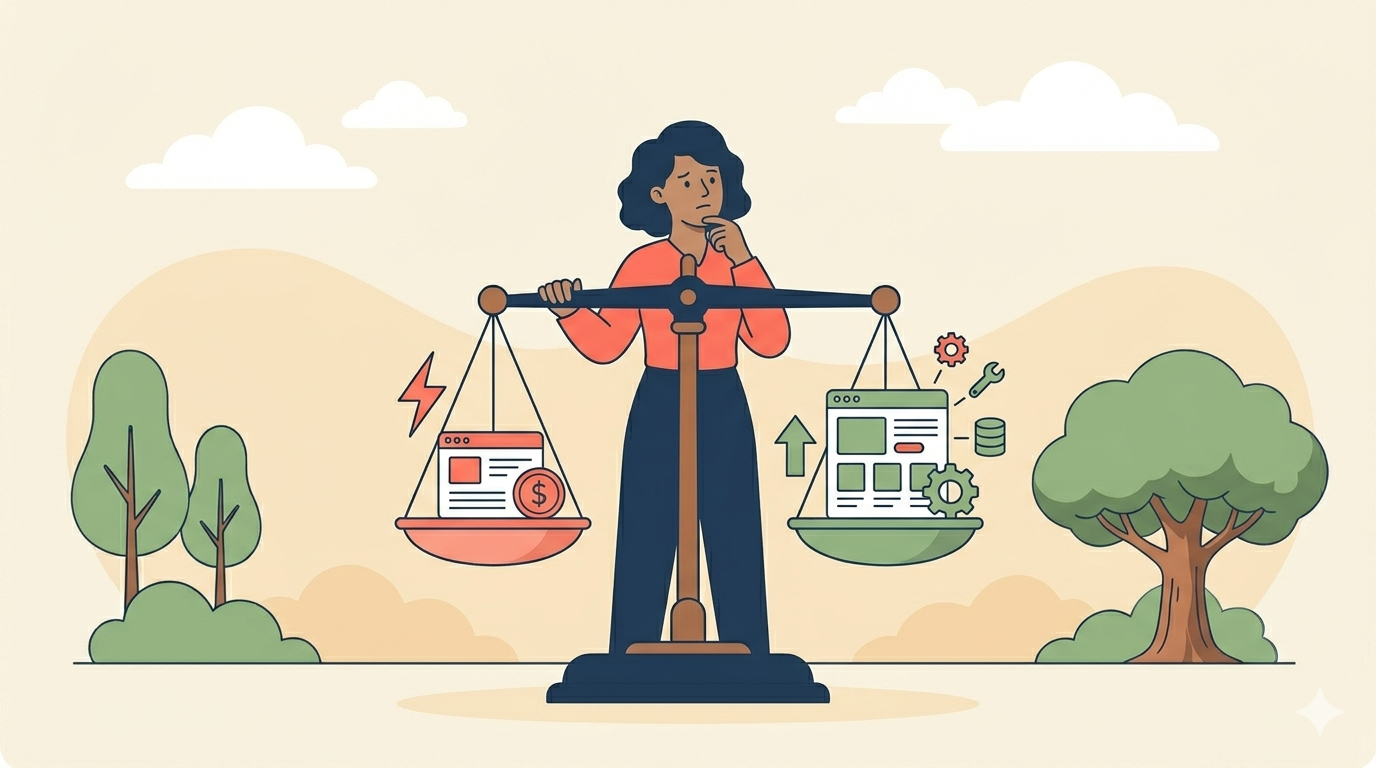
Choose a Simple Website if:
- You're just starting out
- You want to launch this month
- You want an affordable, predictable monthly cost
- You don't need advanced features yet
- You want to make updates yourself
- You're comfortable learning new software and troubleshooting small tech problems on your own
Choose a Custom Website if:
- You're already growing and have real revenue
- You need special features that templates can't handle
- You need to connect to other business tools
- You want a website that won't limit you in two years
- You want a professional partner to handle the tech
- You'd rather focus on running your business than spend hours learning website software
Still weighing your options?
We build custom websites starting at $499 and offer ongoing maintenance from $59/month. Schedule a free consultation to discuss what's right for your business.
What Are Your Next Steps?
Now you understand the basics. You know what a website is, how it works, and the two main types beginners can choose from. Here's what to do next:
- Pick the type that fits your stage. Don't overbuild. Don't underbuild.
- Set a budget for both upfront cost and monthly maintenance. Many people forget the monthly part.
- Plan for growth. Ask: "What will I need in two years?"
- Start small if you're unsure. You can always upgrade.
If you're still not sure which is right for you, that's normal. Most business owners feel the same way before they start.
Need help figuring out which is right for YOUR business?
Let's talk. Contact us or reply to this post with your questions. We answer every one.
Frequently Asked Questions
How much does a small business website really cost?
Simple websites built with tools like Wix or Squarespace cost about $200-$600 a year all-in, including the monthly plan and your domain name. Custom websites built by a developer cost $3,000-$8,000 upfront for most small businesses, according to industry surveys, plus $50-$500 a month for ongoing care.
How long does it take to build a website?
A simple website can be live in a few days to two weeks if you do it yourself. A custom website takes 2 to 12 weeks, depending on the size and features. Online stores usually take the longest.
Can I build a website myself with no tech skills?
Yes. Tools like Wix, Squarespace, WordPress.com, and Shopify are made for people with no coding skills. Clutch's 2025 survey found that about 75% of small businesses use one of these builders, and many use AI features that make setup even faster.
Do I really need a website if I have social media?
Yes. Social media is rented land. The platform decides what your followers see, and the rules can change overnight. A website is land you own. Plus, surveys suggest around 81% of consumers research businesses online before buying, and many will look for a website specifically to judge if you're a real, trustworthy business.
What's the difference between a domain, hosting, and a website?
- Domain is your address (like yourbusiness.com). About $10-20/year.
- Hosting is the space where your site lives. About $5-30/month for small sites.
- Website is the actual pages people see.
Simple website builders usually bundle hosting into their monthly plan, so you don't have to think about it.
Will I rank better on Google with a custom website?
Both kinds of websites can rank on Google. The difference is the ceiling. Custom websites can hit Core Web Vitals scores that simple builders struggle to match, and Google has confirmed page speed is a ranking signal. Custom sites also give you full control over schema markup, which matters for AI search. In 2025, both Google and Microsoft publicly confirmed they use schema markup for their generative AI features, and ChatGPT confirmed the same. If you're in a competitive industry or you need to be found online to grow, those advantages add up over time.
Will I rank on Google at all?
Maybe, but it takes work. Both simple and custom websites can rank well on Google. What matters most is good content, fast loading, mobile-friendly design, and honest links from other sites. Mobile-friendly design especially matters because Google uses mobile-first indexing, meaning it judges your site based on the mobile version.
Can I switch from a simple website to a custom one later?
Yes, but it takes work. You can't simply click a button to move your content from one builder to another. A developer will usually rebuild your site fresh and copy over the content. Plan for this when you're ready to grow.
Sources & Further Reading
- Clutch. (2025). The State of Small Business Websites in 2025. clutch.co
- Adobe Express. (2024). Thriving in 2024: Small Biz Trends & Diverse Consumers. adobe.com
- Zippia. (2026). 20+ Essential Small Business Website Statistics. zippia.com
- Wiser Review. (2026). 77 Online Review Statistics. Aggregation of BrightLocal's Local Consumer Review Survey, Northwestern Spiegel Research Center, and other studies. wiserreview.com
- Visual Capitalist. (2025). Desktop vs. Mobile Global Web Traffic. Data via StatCounter. visualcapitalist.com
- GoodFirms. (2025). Web Development Cost in 2025: A Complete Breakdown. Industry survey of web development agencies. goodfirms.co
- Squarespace. (2026). Squarespace vs. Wix: Full 2026 Comparison. squarespace.com
- Devine Solutions Group. (2025). How Much Does A Website Cost In 2025. Single-agency pricing reference. devinedigitalmarketing.com
- Website Builder Expert. (2026). Wix vs Squarespace: Which Comes Out on Top in 2026? websitebuilderexpert.com
- Google Search Central. Mobile-first Indexing Best Practices. Official Google documentation. developers.google.com
- Google Search Central. Understanding Page Experience in Google Search Results. Official Google documentation confirming page speed and Core Web Vitals as ranking signals. developers.google.com
- WebFX. (2025). 20+ Site Speed Statistics To Charge Your Marketing in 2025. Includes Backlinko's analysis of 11.8M Google results and Google/SOASTA bounce-rate data. webfx.com
- Huckabuy. (2025). 20 Important Page Speed Bounce Rate and Conversion Rate Statistics. Includes data from Portent and Akamai studies. huckabuy.com
- HostAdvice. (2026). Wix vs Squarespace for SEO (2026). Data via 2025 HTTP Archive Web Almanac. hostadvice.com
- TheBomb. (2026). Custom Web Design vs Wix, Squarespace & WordPress. Data via HTTP Archive 2025 State of the Web report. thebomb.ca
- Search Engine Land. (2026). How schema markup fits into AI search: without the hype. Documents Google's April 2025 and Microsoft Bing's March 2025 official confirmations on schema for AI features. searchengineland.com
- Schema App. (2026). What 2025 Revealed About AI Search and the Future of Schema Markup. Includes ChatGPT's confirmation of using structured data for product results. schemaapp.com
- Frase. (2025). Are FAQ Schemas Important for AI Search, GEO & AEO? frase.io
- Brand Vision. (2025). Webflow vs WordPress vs Wix vs Squarespace: Which Website Builder Is Best for SEO in 2025? brandvm.com
Last updated: May 2026. Statistics current as of publication. We update this guide regularly to keep prices and numbers fresh.